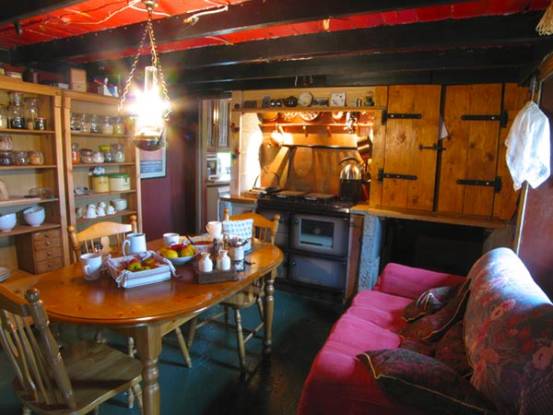
It is sometimes seen that
an image must have a full dynamic range - basically no black shadows and no
blown highlights - every bit of data counts towards the image.
This piece will not argue
the merits of striving towards the above - it will just show you the
results of methods I am aware of to help you
approach that goal.
Martin has a tutorial on
the Multi-RAW method
If you have a RAW image
facility on your camera then that is probably the best way to go. If your image
taking is not RAW then you have to live with images processed by the camera into
jpeg's or TIFFs.
So this document is linked
off the monochrome forum and all this is in colour...'cos as Martin sez...you
have to get your colour image sorted before you convert to monochrome.
Single image
Levels and blend
Contrast Masking http://www.luminous-landscape.com/tutorials/contrast_masking.shtml
Bracketed Exposure
Photoshop
CS2 HDR
Photomatix
HDR http://www.hdrsoft.com/
Photomatix
average
Dynamic
Range increase http://www.digitalsecrets.net/secrets/DynamicRanger.html
Contrast Blending http://www.erik-krause.de/index.htm?./contrast/index.htm
You have the one image and
with various jiggery-pokery you may squeeze a little more out of it
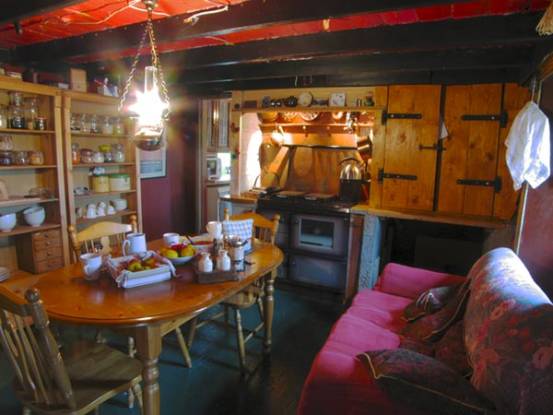
... and contrast masking can give you this.
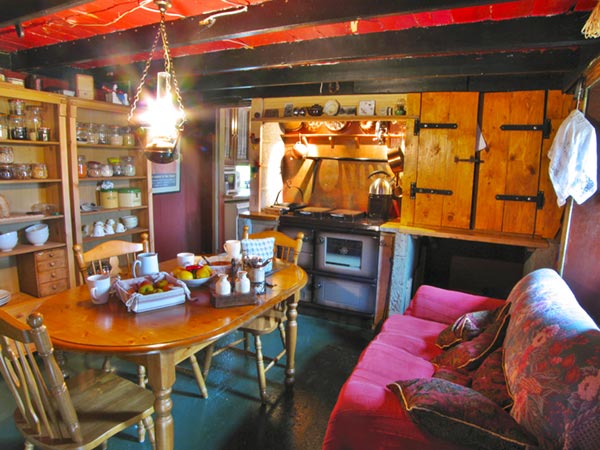
So a tadge of improvement but not a lot.
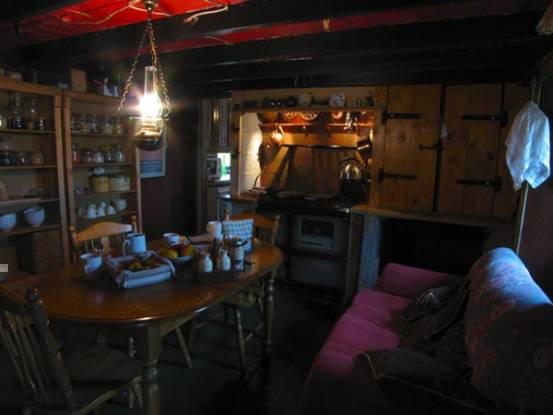
Either manually (as in this
case) or automatically get your camera to bracket the true exposure with
exposures at +/- 2 stops.
You are going to need a
tripod for this and the object you are imaging must not move.
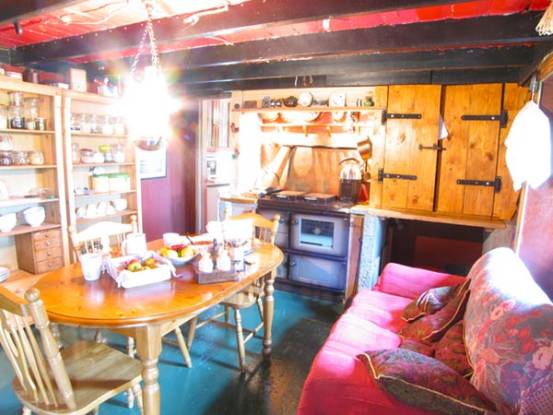
Photoshop
CS2 has a HDR plug-in that will take
the 3 images and combine them. You then have to convert from the 32 bit image to
an 8 bit image. I just used the simplest defaults.
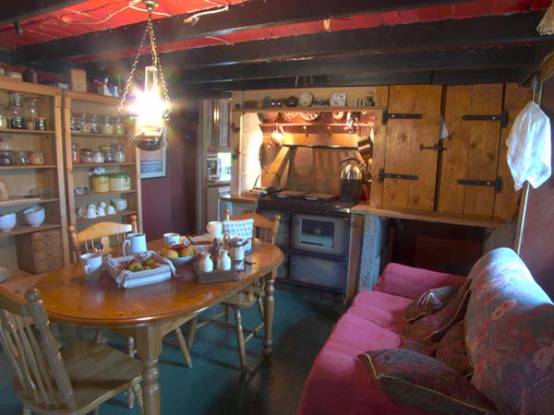
There is a trial program
called Photomatix that
you can get from LINK
It will create a HDR from
the three images that you then import into Photoshop CS2 or another viewer to
turn into an 8-bit jpeg
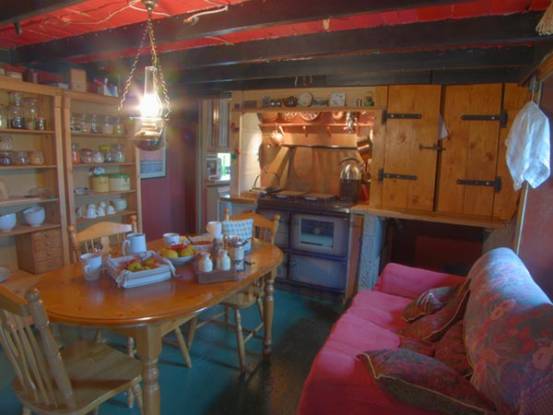
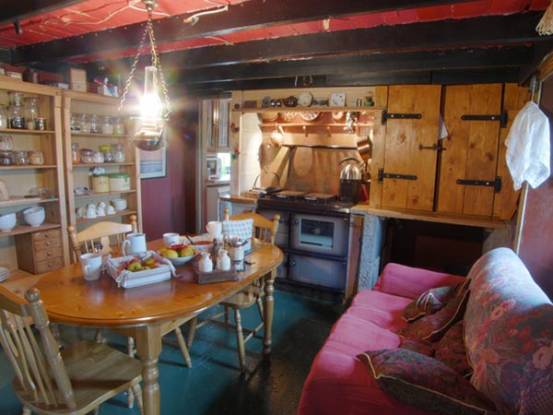
If you do not fancy the HDR
route and want control over what happens then there are two further methods.
Then there is Contrast Blending
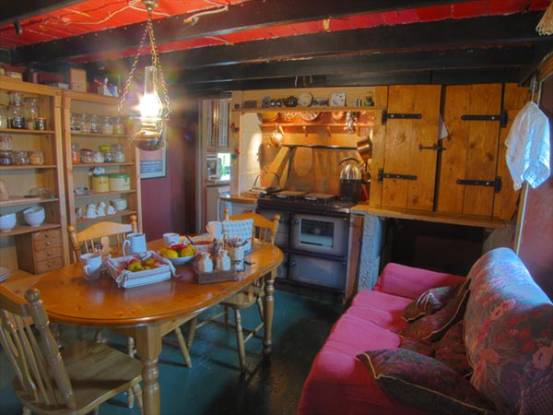
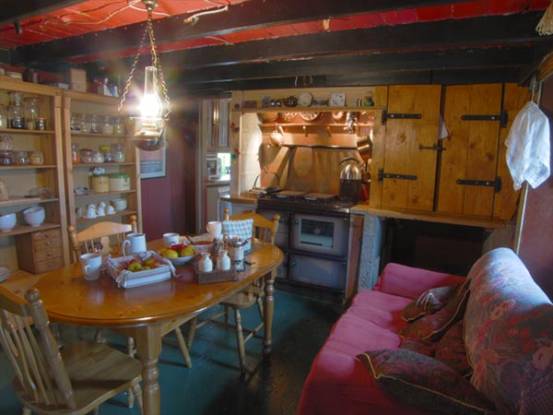
Probably the use of each method will rely on the time you have and the images you start with.
If anybody know of any other methods then I will add them in.